Streamline
BigBlueButton’s integration with Canvas offers a frictionless experience through Canvas’s familiar interface with no extra software or logins.


LMS Integrations
Built into the core of Canvas by Instructure — no extra logins, no extra software.
Generic video conferencing often forces organizations to either accept these limitations—leading to lower learning outcomes—or juggle multiple third-party tools, adding complexity and friction.
To overcome these limitations, Instructure embedded BigBlueButton into the core of Canvas, creating a seamless integration that enhances teaching while eliminating complexity. Built-in tools like breakout rooms, polls, and shared notes drive active, measurable learning within a single platform, reducing third-party tool reliance.
Live analytics let educators monitor participation in real time, enabling immediate feedback to enhance learning outcomes. The Enterprise Learning Analytics Dashboard provides actionable insights on student activity to support data-driven improvements.
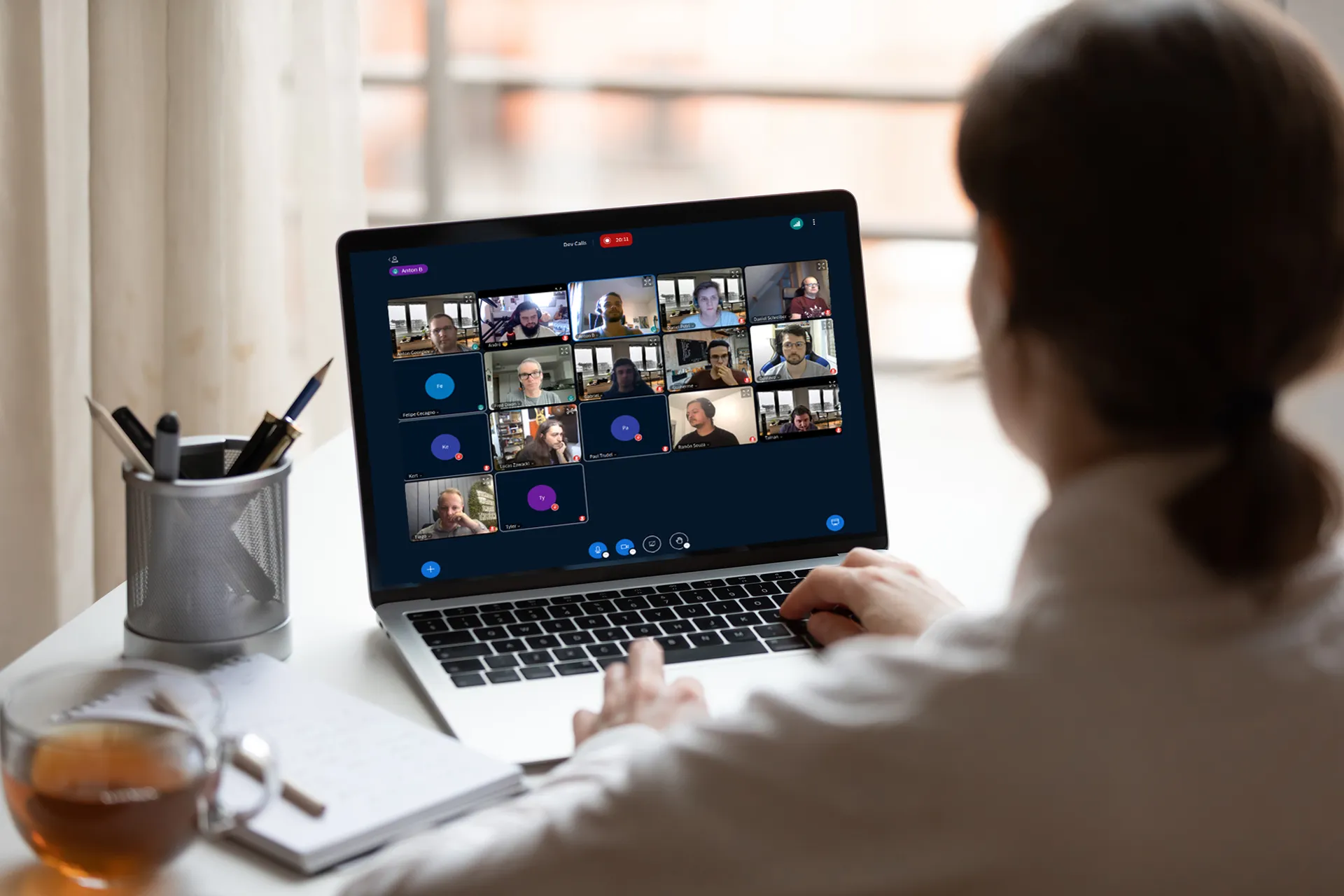
Already have Canvas? Your Canvas subscription comes with BigBlueButton Essentials, providing up to 5 simultaneous classes and 7-day recording retention – everything you need to start teaching effectively online today.

BigBlueButton’s integration with Canvas offers a frictionless experience through Canvas’s familiar interface with no extra software or logins.
To make it easy for students to attend, Canvas will automatically notify them whenever you start a new BigBlueButton session.
Students can easily access course recordings directly within Canvas with a single click.
The integration extends Canvas’s core capabilities
Canvas Studio is a powerful addition to Canvas, and BigBlueButton can automatically upload course recordings to Canvas Studio, giving educators the full benefits of Studio’s analytics and engagement. (Contact us for more details.)
Contact usCanvas will record each time a student joins a BigBlueButton session and make this data available in new analytics for reporting.
To make it easy for students to collaborate together within the course, such as on group assignments, every student group can have their own BigBlueButton conference, reducing the need for students to have separate accounts such as when using a generic video conferencing tool.
Canvas has a powerful feature where educators can specify visibility of a conference to a subset of users — either by individual, section, student group, or any combination. For example, if you want to create a one-on-one tutoring session, you can.
As BigBlueButton is built into the core of Instructure, it is also built into the core of their documentation and support.

Integrated into the core, Instructure provides support for BigBlueButton across the support tiers, including regular, 24×7 support, and Tier 1 support.
Blindside Networks can also provide your educators a condensed training session (1 hour) on pedagogical methods that work best in virtual classes, the benefits of active learning, and how Canvas + BigBlueButton works to provide these benefits.
Contact us to see how this integration works together to enhance your educators ability to deliver virtual classes that increase learning outcomes for every student.